

4. Improved Rack Grading
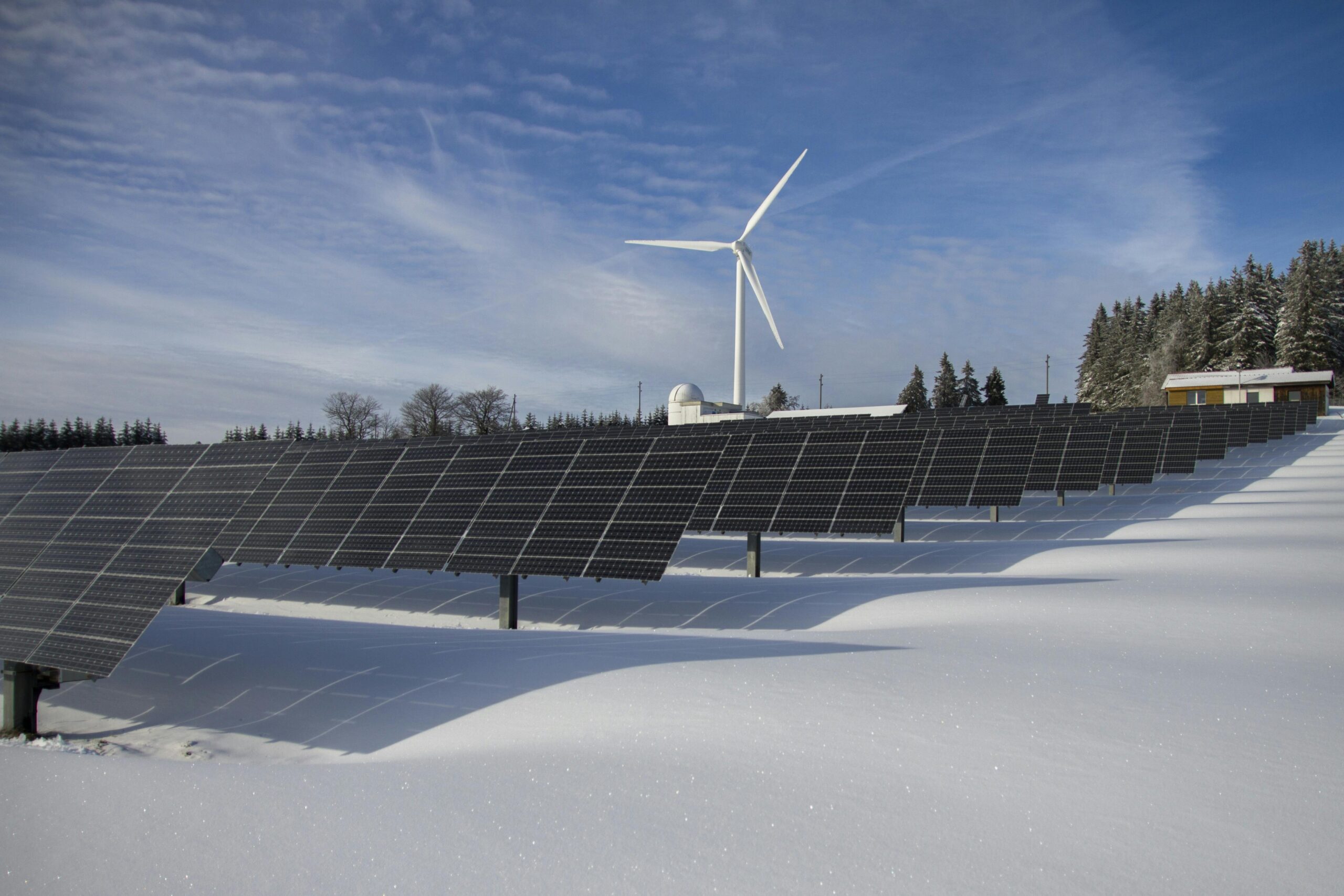
Uneven terrain, overlapping slopes, and complex surfaces can make ground-mounted PV design more demanding.
Virto.CAD introduces its first major improvement to rack grading, focusing on more reliable handling of complex terrain geometry. This update includes enhancements to:
- Surface stitching
- Handling of overlapping slope patches
- Mesh interactions
These improvements lay the groundwork for further developments in terrain handling, with more enhancements planned for future releases.
Improvements in Virto.CAD
Alongside the new features, this release includes several refinements designed to give engineers more flexibility and make everyday design tasks easier to manage.
1. Expanded Mounting System Support
Virto.CAD adds configuration options and reporting improvement for Enstall – PanelClaw, Sunbeam, and Van der Valk mounting systems.
Enstall – PanelClaw
The update introduces several options for Wave Dual configurations:
- Support for anchoring and hybrid configurations
- Standardised default and maximum rail spacing
- Custom ballast block weight selection
- An option to always use three rail units for Wave Dual
- The option to display ballast quantities as a number of blocks
- The ability to add extra base plates
Sunbeam
- A short PDF report option
- Support for projects in Italy
Van der Valk Solar Systems
- A short PDF report option
2. Effective Ground Cover Ratio (GCR)
The Effective Ground Cover Ratio is now available for each PV layout boundary in the Layout tab fo the Summary palette.
The metric compares the horizontal projection of all frame surfaces with the area inside the perimeter that tightly encloses those frames.
It can support ground coverage assessments for application such as agrivoltaics, including projects subject to requirements in France. Project-specific compliance should still be verified against the applicable regulations and calculation methods.
3. More Flexible Cable Path Editing
Managing multiple cable paths is now more straightforward.
You can draw and convert multiple cable paths in a single action. Cable routing behavior has also been refined, with expanded cable path functionality to support more flexible editing.
4. Greater Flexibility in Electrical Configuration
Virto.CAD introduces two useful changes to electrical equipment management:
- Unused MPPT inputs: Leave inputs unassigned by setting their value to zero or removing ununsed inputs from the inverter configuration.
- Equipment removal: Remove placed electrical equipment directly from the Insert Devices palette.
These changes make it easier to configure inverters according to the actual project setup and manage placed equipment.
5. More Efficient String Mapping and Rack Connections
Several improvements help simplify string configuration and wiring:
- Select similar racks: During semi-automatic string mapping, select matching rack types more efficiently to apply your chosen string mapping strategy.
- Update multiple interrow connections: Select multiple racks before applying a connection change.
- String wiring follows rack geometry: String wiring paths now follow better the rack geometry, helping you create more accurate and consistent wiring layouts.
- More string colors: Use more than eight colors to distinguish strings more clearly in your drawing.
These fragments help keep detailed PV layouts easier to manage and electrical drawings easier to read.
6. Improved KML/KMZ Compatibility
This release improves compatibility when working with KML and KMZ files, supporting a more reliable experience when handling these geographic data formats.
7. Cleaner Layer Organisation
Virto.CAD introduces a few initial refinements to layer organisation, making drawings easier to navigate and manage.
With this release:
- New VirtoCAD layers use a “Virto” prefix.
- Electrical device labels share one layer.
- Creating a building no longer creates a separate tree layer.
These incremental changes are the first step towards a cleaner drawing environment, with further improvements to layer organisation planned for future releases.
Keep Your PV Design Workflow Moving
Virto.CAD introduces new ways to export project data, manage rooftop cable routing, access product update, and work with challenging terrain.
The additional improvements bring more flexibility to mounting system configuration, electrical design, string mapping, and drawing organisation.
Whether you work on rooftop installations or complex ground-mounted PV projects, this release focuses on practical changes that support your day-to-day engineering work.
Ready to explore the latest release? Update to Virto.CAD 2.2.2 and discover the new features and improvements in our PV design workflow.
Source link