

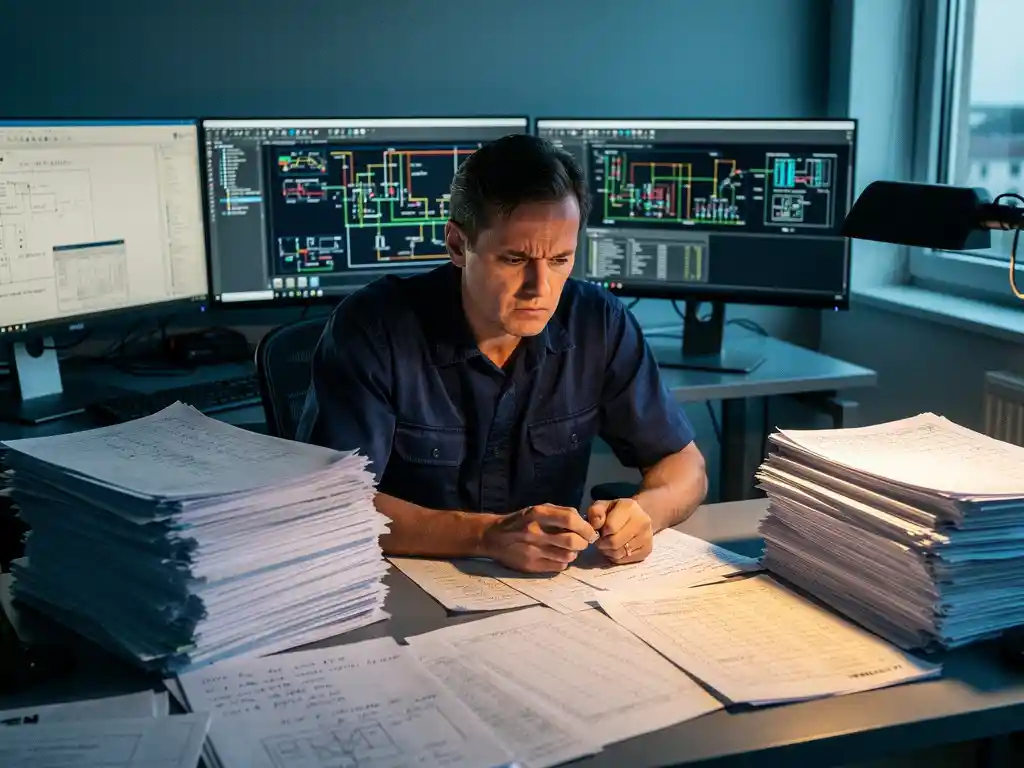
Solar engineers are still spending weeks on manual calculations because most solar design workflows were built around general-purpose tools that were never designed for photovoltaic systems. Without automation for tasks like stringing configurations, shading analysis, and structural calculations, engineers must work through each step by hand, and on utility-scale projects, that manual workload adds up to weeks or even months of engineering time before a single panel is placed.
This challenge is especially acute in 2026, when project pipelines are growing faster than engineering teams can scale. Labor shortages and tighter delivery windows mean the cost of slow design workflows is no longer just inconvenient, it is a direct threat to project viability.
Below, we answer the most common questions solar EPC teams ask about manual calculation time and what can realistically be done about it.
What kinds of tasks are eating solar engineers’ time?
The biggest time consumers in solar engineering are stringing calculations, shading and yield simulations, structural and ballast calculations, and the back-and-forth of updating drawings every time a design parameter changes. These tasks are not complex in concept, but they are highly repetitive, interdependent, and extremely sensitive to error, which means engineers cannot afford to rush them.
On a typical commercial rooftop or utility-scale ground-mounted project, an engineer might spend significant time on tasks like these:
- Manually calculating string lengths and inverter compatibility for hundreds of module strings
- Running shading analyses across different times of year and terrain conditions
- Performing ballast and wind load calculations for each roof zone or mounting configuration
- Redrawing layouts from scratch when the module selection or racking system changes
- Reconciling pre-sales layouts with actual site conditions and construction requirements
- Exporting data between disconnected tools that do not share a common format
Each of these tasks is manageable on a small project. But on a multi-megawatt installation with complex terrain and multiple inverter zones, the cumulative hours become enormous. Engineers who spend the majority of their working hours on these repetitive steps have little capacity left for the optimization and problem-solving work that actually requires their expertise.
Why haven’t these calculations been automated yet?
Solar-specific automation has lagged behind because the industry scaled faster than the software ecosystem could keep up. For years, most engineering firms adapted general CAD tools and spreadsheets to handle PV design work, building custom workflows around tools that were never intended for photovoltaic systems. Switching those workflows requires time, budget, and trust in new software, which has slowed adoption even as better tools have become available.
There are also genuine technical reasons why solar calculations are difficult to automate well. Stringing configurations depend on module-level electrical characteristics, inverter specifications, temperature coefficients, and local irradiance data, all of which must interact correctly. Structural calculations vary by mounting system, roof type, and local wind and snow load standards. Getting these automations right requires deep domain knowledge, not just software development skill.
The result is that many EPC teams have continued using the tools they know, accepting the time cost as a fixed part of the engineering process. That assumption is becoming harder to sustain as project volumes increase and engineering teams struggle to keep pace.
How does manual calculation time affect project costs and timelines?
Manual calculation time directly inflates engineering costs and extends pre-construction timelines, both of which have compounding effects on project economics. When design takes weeks instead of days, procurement decisions get delayed, interconnection applications are submitted later, and construction schedules compress, increasing the risk of cost overruns and deadline penalties.
The financial impact goes beyond billable engineering hours. Errors introduced during manual calculation, such as a wrong string count, an incorrect ballast figure, or a shading assumption that does not match site reality, can propagate through the design until they surface during construction. At that stage, corrections are expensive. A design error discovered on-site can mean rework costs that far exceed the original engineering budget.
For engineering directors managing multiple projects simultaneously, slow design cycles also limit how many projects the team can take on. If each project requires four to eight weeks of engineering time before moving to procurement, the team’s annual capacity is capped in a way that is difficult to overcome by simply hiring more engineers, especially given current labor shortages in the solar sector.
What’s the difference between general CAD tools and solar-specific design software?
General CAD tools like AutoCAD are drafting environments. They allow engineers to draw anything with precision, but they have no built-in understanding of photovoltaic systems. Solar-specific design software, by contrast, is built around the logic of PV engineering, meaning it knows what a string is, how shading affects yield, what ballast calculations require, and how mounting systems connect to module layouts.
The practical difference shows up in how much the software does for the engineer versus how much the engineer must do manually.
What general CAD tools require engineers to do manually
In a general CAD environment, the engineer draws the module layout, then separately calculates stringing in a spreadsheet, then manually checks electrical compatibility, then creates a separate shading model in another tool, then updates the drawing if anything changes. Each tool operates independently, and any change in one place requires manual updates everywhere else. The CAD file is a drawing, not a living engineering model.
What solar-specific software automates by design
Purpose-built PV design software integrates these steps into a single workflow. When a module layout changes, string calculations update automatically. Ballast and structural outputs reflect the current design state. Shading simulations run on the actual geometry of the design rather than a separate approximation. Construction documents are generated from the same model used for engineering, which eliminates the version mismatch problem that plagues teams using disconnected tools.
This is the core value of software like our Virto.CAD plugin for AutoCAD and BricsCAD, which brings solar-specific automation directly into the CAD environment engineers already use, rather than asking them to abandon familiar tools entirely.
How much time can solar design software realistically save?
Solar-specific design software can realistically reduce engineering time by 70 to 80 percent on projects where the current workflow relies heavily on manual calculations and disconnected tools. That means a design process that currently takes four to six weeks can often be completed in three to five days once automation handles the repetitive calculation layers.
The actual time savings depend on several factors:
- Project complexity: Utility-scale ground-mounted projects with complex terrain see the largest absolute time reductions because they involve the most repetitive calculation steps
- Current workflow maturity: Teams with highly manual, spreadsheet-driven workflows typically see larger gains than those that have already partially automated parts of the process
- Software integration: Tools that work within existing CAD environments reduce the learning curve and deliver savings faster than those requiring a full workflow migration
- Team adoption: Time savings compound as engineers become proficient, since the first few projects on any new platform involve a learning period
These are not theoretical projections. The reduction in engineering time comes from eliminating specific manual steps: automated stringing removes hours of spreadsheet work, integrated ballast calculations eliminate a separate structural workflow, and construction-ready output removes the redrawing step that typically happens between engineering and procurement.
When should a solar EPC team switch to automated design tools?
A solar EPC team should switch to automated design tools when manual workflows are creating measurable delays, errors, or capacity constraints that affect project delivery. If engineers are spending the majority of their time on repetitive calculations rather than engineering judgment, or if design errors are surfacing during construction, the cost of staying with manual tools is already higher than the cost of switching.
Specific signals that indicate it is time to make the switch include:
- Design cycles routinely taking more than two weeks for projects that should be straightforward
- Engineers frequently working on the same calculation type across multiple projects with no reuse of prior work
- Pre-sales layouts regularly requiring significant rework before they become construction-ready
- The team turning down projects because engineering capacity is the bottleneck
- Construction teams discovering design discrepancies that trace back to disconnected tools
The timing question also has a strategic dimension. In 2026, project pipelines in the solar sector are expanding rapidly, driven by growing electricity demand and policy support for renewable energy. Teams that modernize their engineering workflows now will be positioned to take on more projects with the same headcount, while teams that delay will face increasing pressure as the gap between project volume and engineering capacity widens.
If your team is hitting any of these limits, speaking with us directly is a practical next step. We work with EPC teams across commercial, industrial, and utility-scale projects to identify where automation can have the most immediate impact on design time and accuracy.
Frequently Asked Questions
How difficult is it to transition from spreadsheet-based workflows to solar-specific design software?
The transition is more manageable than most teams expect, especially when the new software integrates directly into a CAD environment engineers already use rather than replacing it entirely. The steepest part of the learning curve typically comes in the first two or three projects, after which proficiency builds quickly. Starting with a mid-complexity project rather than your largest active job allows the team to build confidence before applying automation to high-stakes work.
What should we do if our pre-sales team uses different tools than our engineering team?
This disconnect is one of the most common sources of rework in solar EPC workflows, and it is worth addressing directly when evaluating design software. Look for platforms that can produce both pre-sales layouts and construction-ready documents from the same model, so that a layout handed off from sales does not need to be rebuilt from scratch by engineering. Standardizing on a shared tool or compatible file format between both teams can eliminate the reconciliation step that currently consumes significant engineering hours on many projects.
Can automated solar design software handle non-standard or complex site conditions, like irregular rooftops or uneven terrain?
Yes, purpose-built PV design software is specifically designed to handle the site variability that makes manual calculations so time-consuming. Features like terrain-aware shading analysis, flexible string configuration across irregular module arrays, and zone-based structural calculations are built to accommodate real-world complexity rather than idealized conditions. The more irregular the site, the greater the time savings automation delivers, since complex terrain is precisely where manual calculation steps multiply fastest.
How do we make the business case internally for investing in solar design automation?
The most compelling internal case is built around two numbers: the average engineering hours currently spent per megawatt of design work, and the number of projects the team has had to delay or decline due to engineering capacity constraints. If automation reduces design time by 70 to 80 percent, the equivalent capacity gain can be expressed directly in additional project revenue the team could take on without adding headcount. Factor in the cost of construction-stage design errors, which typically run far higher than the original engineering budget, and the ROI case becomes straightforward.
Will switching to automated tools reduce the need for experienced solar engineers on our team?
No — automation eliminates repetitive calculation work, not engineering judgment. What changes is how experienced engineers spend their time: less on manual string counts and ballast tables, more on optimization, design review, and solving the project-specific challenges that require genuine expertise. In practice, teams that adopt solar design automation typically find that their senior engineers become more valuable, not less, because they are freed to focus on the work that actually requires their knowledge.
What are the most common mistakes EPC teams make when first implementing solar design software?
The most frequent mistake is trying to replicate the old manual workflow inside the new tool rather than adopting the integrated workflow the software is designed around. Teams that use automated stringing but still manually verify every output in a separate spreadsheet, for example, lose most of the time savings. A second common mistake is delaying full team adoption by limiting the software to one or two engineers during a trial period, which slows proficiency-building and makes it harder to evaluate real-world performance across project types.
How does solar design automation affect the accuracy of construction documents, and does it reduce errors during the build phase?
One of the most significant accuracy benefits comes from the fact that construction documents are generated directly from the engineering model rather than redrawn separately. This eliminates the version mismatch problem where a drawing reflects an earlier design state that no longer matches the current electrical or structural calculations. Teams that move to model-driven document generation consistently report fewer RFIs and construction-stage corrections, since the documents the build team receives reflect the actual, validated design rather than a manually transcribed approximation of it.
Related Articles
Source link